How to Pay $0 in Amazon FBA Inbound Placement Fees (Optimized Shipping Step-by-Step)

1
min read
April 30, 2026

Every Amazon seller knows that death by a thousand cuts feeling. You find a great product, the margins look solid, and you’re ready to scale. Then you hit the shipping workflow and realize Amazon is taking a massive bite out of your profit before the items even hit the shelf.
The biggest culprit sometimes? Inbound placement fees. If you aren't careful, these per-unit fees can turn a profitable flip into a break-even. But there is a way to stop the bleeding. If you set up your shipments with a little bit of strategy, you can actually pay $0 in placement fees.
The goal is simple: getting your money back into your pocket so you can buy more stock faster, rather than handing it over to Amazon in fees. Here is how to play the game and win.
Why Placement Fees are Killing Your Momentum
When you create a standard FBA shipment, Amazon usually wants to send everything to one or two central warehouses. Then, they’ll charge you a fee to cover their costs of moving that inventory to other warehouses around the country later.
By using a specific strategy called Optimized Placement, which you can easily create using Boxem, you agree to do the heavy lifting for them. You split the shipment into boxes that can be sent to multiple warehouses (five or more boxes). Because you’re helping Amazon balance their network, they waive that per-unit fee.
For regular FBA shipments, Amazon charges an inbound placement service fee per item you send. You're basically paying this fee to have it sent to a specific warehouse.
Step 1: The Setup
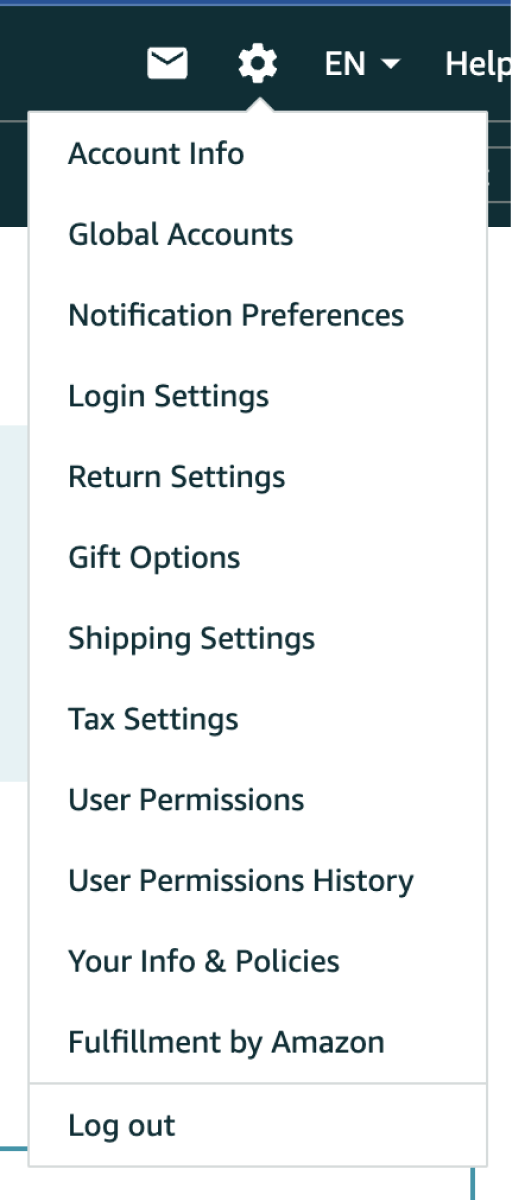
To make optimized shipping work, you need the right tools. Using a dedicated listing software like Boxem is the shortcut here. It helps handle the math that makes the zero-fee strategy possible.
First, you need to get your items live. If you’ve just finished a sourcing haul, you’ll head to the Inventory page and list your items. Even if a product is auto-ungated (meaning you were instantly approved to sell it), you still need to add it to your inventory with your buy cost and a custom SKU. This ensures your profit tracking stays accurate once the items start flying off the shelves.
Check out this help doc for more info on adding new inventory using Boxem: How to Add a New FBA Listing
Step 2: The Math of Five or More
The secret sauce to skipping placement fees is creating five or more identical boxes. Amazon’s system looks for consistency. If you put together five boxes with the exact same dimensions, weight, items, and number of units inside, you unlock the Optimized Placement option.
Here is the trick: Avoid prime numbers. If you have 101 units of Red Heart Super Saver Jumbo Yarn, you can't divide that evenly into five boxes. But if you have 100 units, you can put 20 in each box.
The key to shipping these products without paying placement fees is to ensure the quantity is evenly divisible by at least five boxes.
The Real Difference: What This Actually Means for Your Week
Step 3: Organizing the Chaos
Once your shipment is created in Boxem, you’ll see a tooltip with guidance on whether it qualifies for optimized placement.

This is where you create your identical boxes. For example, if you are sending in 100 units of [Product A] and 50 units of [Product B], you would create five boxes. Each box would get:
- 20 units of [Product A]
- 10 units of [Product B]
Boxem Pro Tip: After creating your boxes, click the checkbox in the upper-right corner to select all the boxes, then use the “Split” button to automatically assign an item evenly across the selected boxes.

As long as every box is a mirror image of the others, you’re golden. Just keep an eye on the weight. Don't go over that 50 lb limit per box, or you'll run into check-in lag and potential warnings from the warehouse staff.
For more tips on assigning items to boxes in Boxem, check out the full help doc here: FBA Step 2: Prep & Boxem
The Hidden Benefit: Beating the Wait Times
While the $0 fee is the main draw, there’s a massive secondary win: speed.
When you ship to a single warehouse, Amazon often sets your items to FC Transfer status. This means your inventory sits in a truck for a week as it crosses the country, all while your competitors are winning the Buy Box.
By shipping to five warehouses simultaneously, your stock is already distributed, skipping the FC Transfer wait times.
Final Pro-Tips for the Shipping Dock
Before you drop those boxes off at UPS, don't forget the basics:
- Labeling: Print your FNSKU labels and cover the original manufacturer barcodes. If you don't, Amazon won't know whose inventory is whose, and you won't get credited for the sale.
- Placement: Put your shipping labels on the side of the box. Never put them over the seam where the tape is; warehouse workers will slice right through your barcode when they open the box, which can cause delays.
- The Math Check: Sometimes, if a shipment is very light, the cost of shipping five small boxes might be slightly higher than the placement fee for one big box. Boxem shows you all the rates side-by-side so you can pick the cheapest path every time.
By shifting your strategy to these identical multi-box shipments, you aren't just saving a few cents; you're protecting your margins and getting your products to customers faster. That’s how you actually grow an FBA business.
Interested in a more in-depth explanation of Boxem's optimized shipment process? Check out the complete guide on YouTube, available to watch for free:
Subscribe to our Weekly Newsletter
No spam, notifications only about new products, updates.


Get Started Today,
Ship Smarter with Boxem
Boxem streamlines all operations so you can focus on what truly matters.
.png)