How to Automate Amazon Feedback Requests and Protect Your Seller Rating

1
min read
July 1, 2026
It often starts the same way for Amazon sellers. You spend hours sourcing and shipping profitable inventory, sales start rolling in, but your storefront feedback score barely moves. The review rate on Amazon is below 1% for most products, so it’s hard to get feedback to start boosting your store or product.
Then one frustrated customer leaves a one-star review.
On Amazon, poor feedback can push shoppers toward competitors and even hurt your chances of winning the Buy Box, slowing sales and tying up your cash flow.
That’s why consistently earning positive feedback is so important. But manually reaching out to every customer for reviews doesn’t scale, which is why many sellers rely on automated tools like Boxem to send feedback requests and protect their reputation.
Why Automated Feedback Requests Matter
Instead of wasting your evenings sending individual emails through Amazon Seller Central one by one, you can use Boxem to handle the heavy lifting. By setting up an automated campaign, the software continuously requests reviews from your buyers in the background while you focus on sourcing your next winning product.
The setup takes less than five minutes, but it completely changes your storefront presence.
These campaigns can help generate both storefront feedback and product reviews. If you’re selling established brands through online or retail arbitrage, positive storefront feedback builds credibility and signals trust to Amazon’s algorithm. For private label sellers, strong product reviews help individual listings gain traction by increasing buyer confidence.
The Feedback Campaign Blueprint
When you build a campaign in Boxem’s Feedback Requester, you get full control over how your requests are sent. By customizing the settings, you can target the right buyers, improve your chances of earning positive feedback, and better protect your feedback score.
1. Choose Your Template
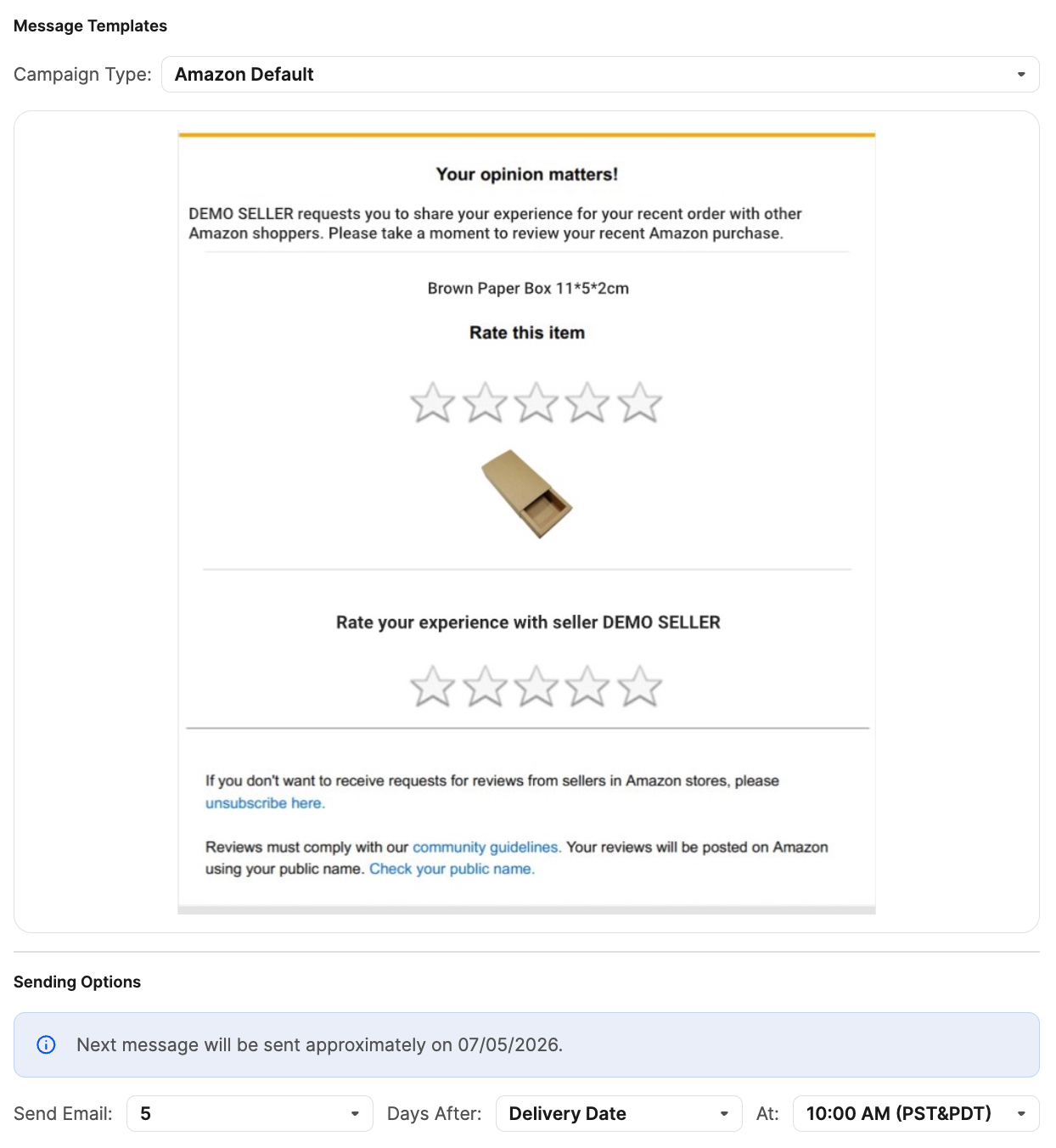
Boxem gives you flexibility when building feedback campaigns. You can use the Amazon default template for a simple, fully compliant option, or create your own custom email template.
If you decide to write your own custom message, it’s important to be careful. Amazon has strict rules around review requests, and messaging that sounds like bribery, pressure, or an attempt to influence ratings could violate their terms of service. That’s why many sellers prefer the Amazon default template; it keeps things simple, professional, and safely within Amazon’s guidelines.
2. Choose Your Products
Depending on your preference, you can choose to use the same campaign for all your products. This option is a failsafe way to ensure feedback requests are sent for everything you sell. Alternatively, you can manually select the products you’d like the campaign to cover, or exclude certain items.
3. Exclude FBM Orders
If you handle FBM (merchant-fulfilled) inventory, consider keeping this box checked. It’s significantly harder to convince Amazon to remove a negative review on an FBM order if something goes wrong during transit.
4. Exclude Refunded Orders
If a customer returns a product, they likely didn’t have an amazing experience. To exclude feedback from these orders, make sure this box is checked. By automatically excluding returns from your campaign, you’re saving yourself from unnecessary complaints.
5. Schedule the Review Request for the Right Time
Consider setting your sending options to deliver the feedback request 3 to 5 days after the actual delivery date. This gives the buyer enough time to open the box and enjoy the product, but it’s recent enough that they haven't completely forgotten about the transaction or their experience with your store.
The Real Difference: Automated Growth vs. Manual Chaos
How to Wipe Negative Reviews Off Your Account
Even with a perfect automated system, an unfair review will eventually slip through. When that happens, don’t panic; you can get them removed.
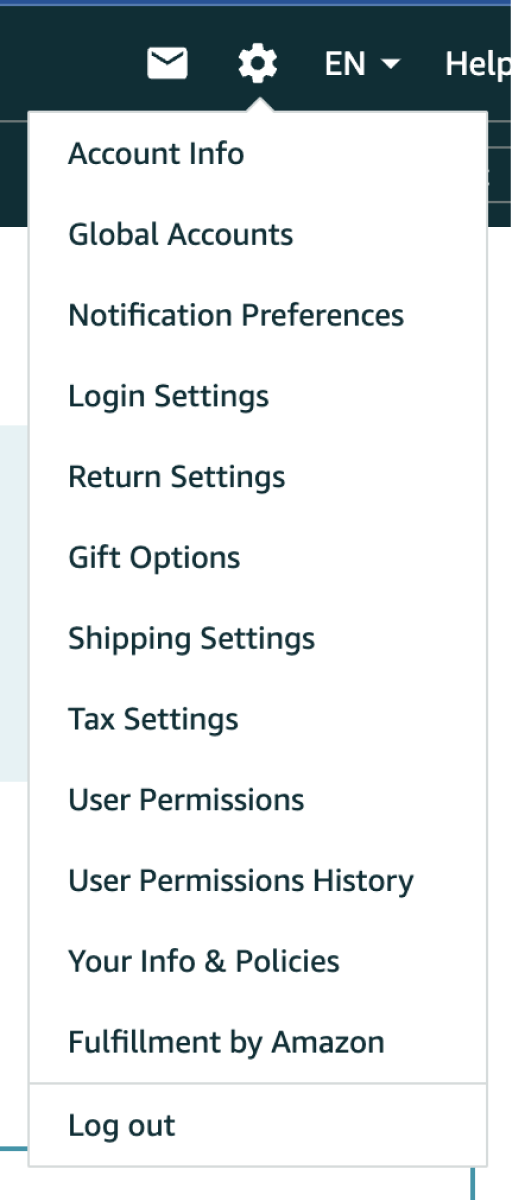
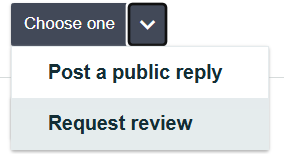
Go to your Seller Central Feedback Manager and check the drop-down menu next to the bad rating. If a customer leaves a review complaining about the actual item (like saying a pair of shoes ran too small) but they left that review on your storefront page instead of the product page, Amazon will delete it for you. Just hit the “Request review” button and let the automated system review the feedback. For FBA orders, these are usually easy to remove.
If the system denies the initial automated request, you can open a manual case with Amazon support. For example, if the item arrived crushed or broken via FBA, explain clearly and calmly that the inventory was shipped to the warehouse in perfect condition. Since Amazon handled the fulfillment, the damage is on them. Most of the time, support will step in, remove the penalty from your score, and keep your account healthy.

Stop letting a lack of reviews hold your business back. Give Boxem’s Feedback Requester a try, activate your automated campaign, and let your store build its own momentum while you stay focused on growth.
Want to see Boxem’s Feedback Requester in action? Check out the complete guide on YouTube, available to watch for free:
Subscribe to our Weekly Newsletter
No spam, notifications only about new products, updates.


Get Started Today,
Ship Smarter with Boxem
Boxem streamlines all operations so you can focus on what truly matters.
.png)