How Brenlee Simplified Amazon FBA Shipments with Boxem

1
min read
July 30, 2026

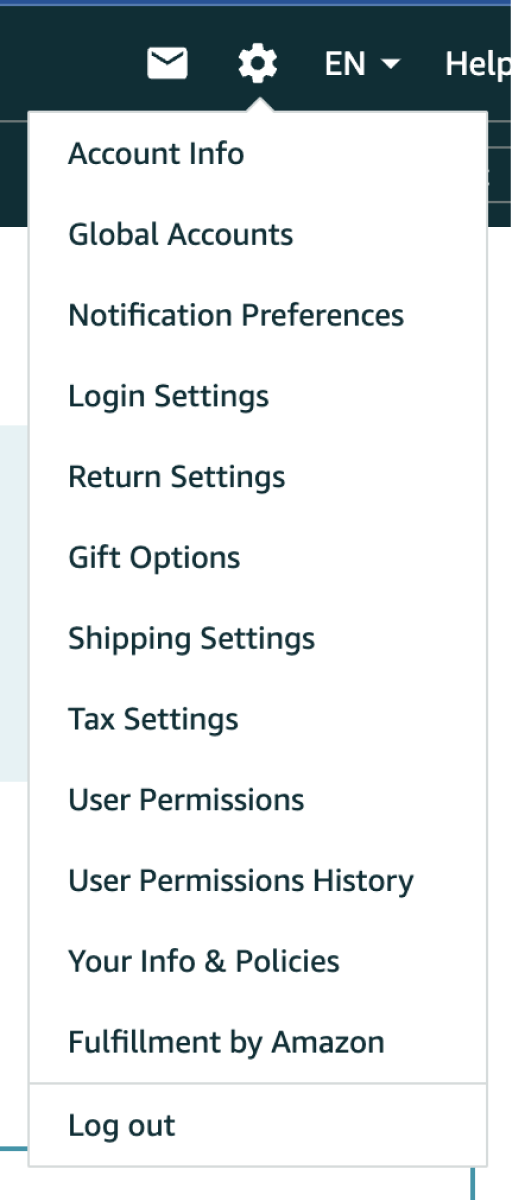
Sending inventory to FBA usually means jumping through hoops. You prep the items, weigh the boxes, and type in dimensions, only to tab back into Seller Central to buy, download, and print labels.
A few extra minutes per box doesn't feel like a big deal until you're moving dozens of boxes every week. Toggling between prep tools and Seller Central is one of the biggest silent time sinks in an Amazon business.
Brenlee spent years managing shipments for a high-volume Amazon seller dealing with this exact headache. She cut out the back-and-forth by moving her entire shipping workflow over to Boxem.
Why Faster Shipments Mean Faster Sales
Shipping inventory is part of running an Amazon business, but it shouldn't take longer than it has to.
With many listing tools, shipment creation isn't fully supported, or it can be buggy enough that sellers end up finishing the process in Seller Central anyway. Those extra steps may seem minor, but they add up quickly when you're shipping inventory every day.
That's one of the reasons Brenlee enjoys using Boxem.
"No need to go to Amazon, no need to use another software. [Boxem's] just super easy. Print out your label and get the boxes out the door."
Once the products are packed and the box weight and dimensions are entered, the shipping label is ready to print in Boxem. Keeping the entire workflow in one place means less time managing shipments and more time sourcing inventory.
Choose the Shipment Workflow That Fits Your Business
No two Amazon sellers create shipments exactly the same way. That’s why Boxem makes it easy to choose the shipment workflow that best fits your business. Instead of being locked into a single workflow, Brenlee can choose the box content option that works best for the shipment she's creating.
If she wants Boxem to send box contents directly to Amazon, it's built right into the shipment process. Brenlee can also choose to have Boxem generate FBA box labels with a scannable 2D barcode that contains each box's contents.
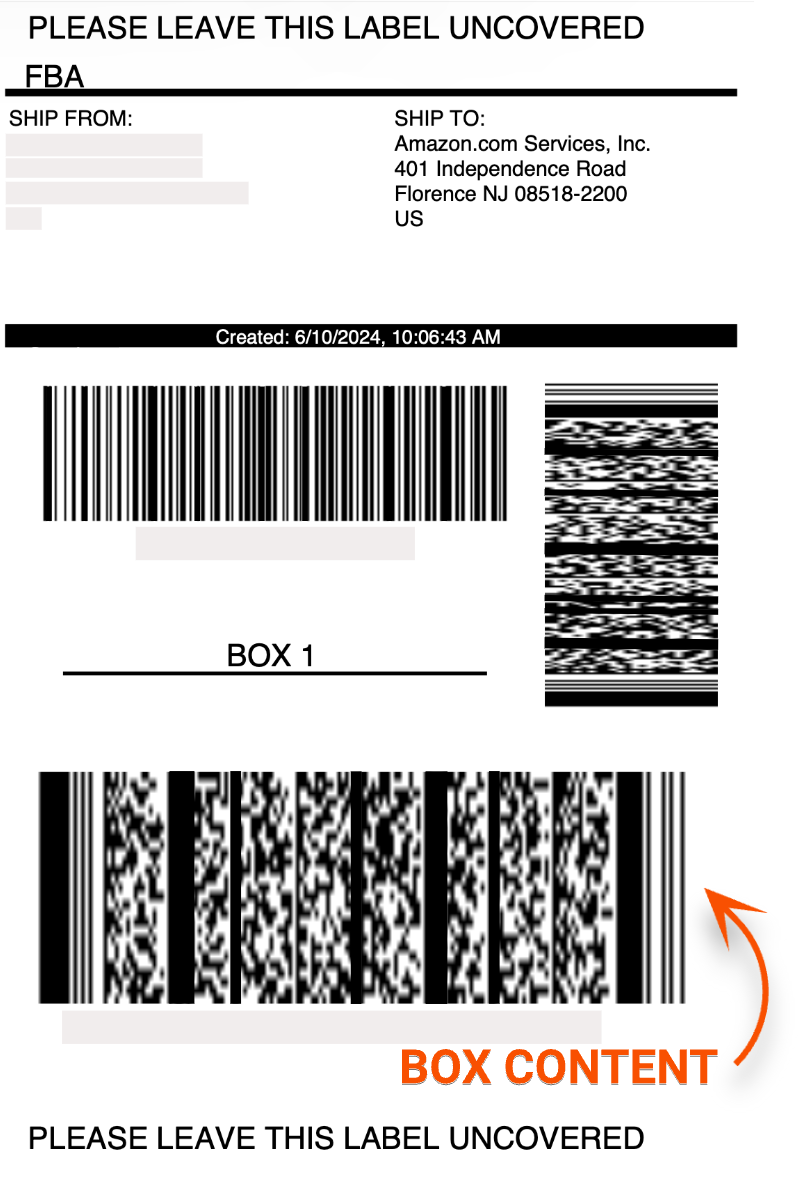
For sellers shipping a lot of inventory, 2D barcodes can make a real difference. Because each barcode contains detailed information about what's inside the box, Amazon can identify its contents with a quick scan. That added visibility helps reduce the chances of inventory being misplaced during check-in and makes it easier to track shipments and resolve issues if a box is delayed or goes missing.
The flexibility to choose between standard box contents and 2D barcodes means Brenlee can use the workflow that makes the most sense for each shipment, print labels, and keep boxes moving without extra steps.
Don't Miss Out on Optimized Placement Savings
Getting inventory to Amazon faster is a win, but so is spending less to get it there. Boxem helps sellers do both by making it easier to take advantage of Amazon's optimized placement option.
If a shipment includes five or more identical boxes, it may qualify for optimized placement. That means Amazon can waive inbound placement fees and automatically distribute your inventory across multiple fulfillment centers, helping products reach customers sooner while getting your money back into your business faster.
Instead of guessing whether a shipment qualifies, Boxem lets sellers know when they're eligible for optimized placement and guides them through the process. That means you can take advantage of lower inbound shipping costs without having to figure it out on your own.
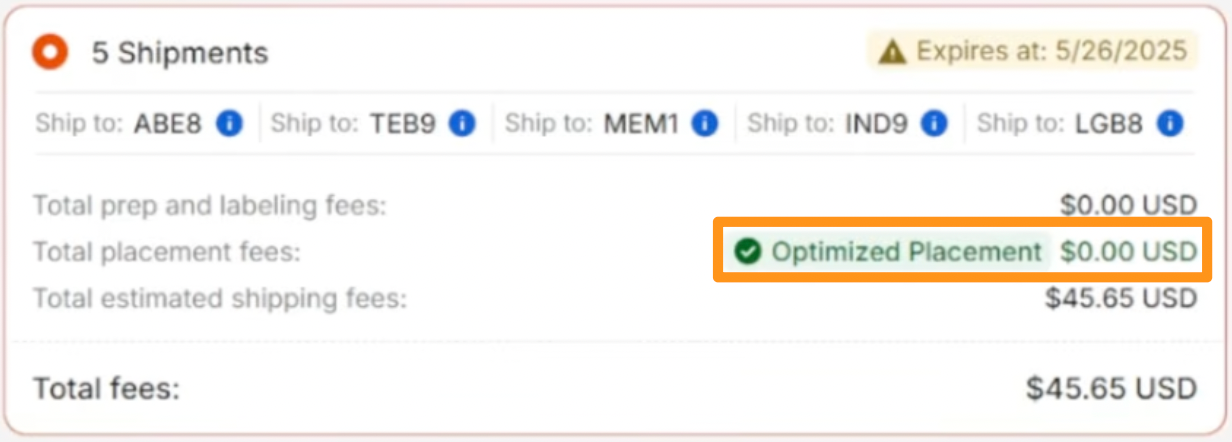
For sellers sending inventory to Amazon every week like Brenlee, even small savings on each shipment can add up to hundreds or even thousands of dollars over the course of a year.
The Real Difference with Boxem
The biggest improvements in an Amazon business usually aren't flashy. They're the small changes that save time or money every single week.
Here's the difference Boxem makes for Brenlee's workflow:
When creating FBA shipments takes less time and costs less money, sellers can get inventory into Amazon faster and spend more time doing what actually grows the business: finding the next profitable product.
Want to see what Brenlee had to say about using Boxem? Here’s the full clip:
Subscribe to our Weekly Newsletter
No spam, notifications only about new products, updates.

Get Started Today,
Ship Smarter with Boxem
Boxem streamlines all operations so you can focus on what truly matters.
.png)